Screenshots

App details
- Version
- 2.7.2 | 2.0
- Size
- 14.45 MB
- Updated
- May 23, 2023
- Requires
- Windows 7
- Language
- English
- License
- Free
- Developer
- PortableApps
- Category
- Windows OS
SoftPas in:
This product is also available in the following languages:
About CamStudio Portable
Download CamStudio Portable – Free Screen Recording Tool for Windows & Mac
Why CamStudio Portable Stands Out in Screen Recording Software
When it comes to capturing screen activity, whether for tutorials, online teaching, or gaming highlights, finding a reliable and lightweight tool is essential. CamStudio Portable emerges as a top contender in this space, offering a free, open-source solution that delivers professional-grade screen recordings without the hefty price tag or complex setup. Designed for users who value simplicity and efficiency, this portable application runs directly from a USB drive or local folder—no installation required—making it ideal for both personal and professional use. Whether you're a teacher creating lesson demos, a software developer documenting workflows, or a gamer sharing your latest victories, CamStudio Portable provides the tools you need in a compact, secure package.
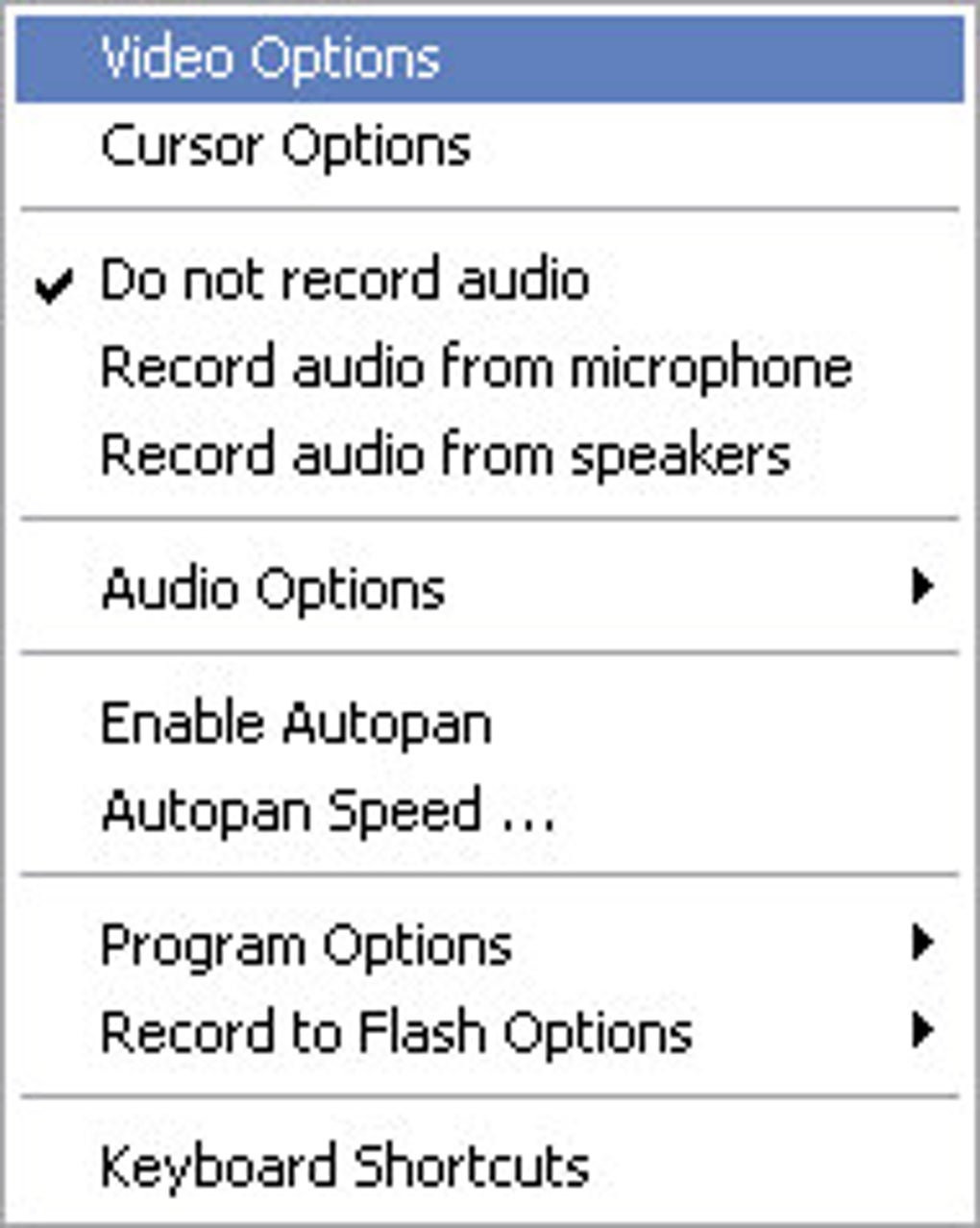
One of the standout features of CamStudio Portable is its support for multiple output formats: AVI and SWF. The AVI format ensures compatibility with most video players and editing software, while SWF (Shockwave Flash) is perfect for embedding content directly into websites or presentations. The built-in SWF Producer enhances usability by allowing users to convert recordings into interactive web-friendly content with minimal effort. Additionally, the software supports audio capture from your system’s microphone or speakers, enabling you to narrate your screen sessions with clear voiceovers. This makes it a powerful tool for creating engaging video tutorials or podcast-style content.
CamStudio Portable also includes advanced annotation tools such as drawing, highlighting, and adding subtitles directly onto your recordings. These visual aids help emphasize key points, guide viewers through complex processes, and improve overall content clarity. The intuitive interface ensures that even first-time users can start recording within minutes. With its minimal system requirements and secure, ad-free operation, CamStudio Portable proves that powerful software doesn’t need to be complicated or expensive. For anyone seeking a dependable, no-install screen recorder, this tool is a must-try.
Key Features That Make CamStudio Portable a Must-Have Tool
CamStudio Portable is packed with features that cater to both beginners and intermediate users who want to produce high-quality screen recordings without the learning curve. One of its most powerful capabilities is the ability to record both screen activity and system audio simultaneously. This dual-capture functionality is perfect for creating step-by-step guides, software walkthroughs, or even online lectures where voice narration enhances understanding. The audio input can be selected from your microphone, speakers, or both, giving you full control over the final output.
Another standout feature is the built-in SWF Producer, which allows you to convert your recorded AVI files into interactive Flash content. This is especially useful for educators and web developers who want to embed video tutorials directly into websites or learning management systems. The ability to export in SWF format ensures that your content remains accessible across different platforms without requiring additional plugins or software.
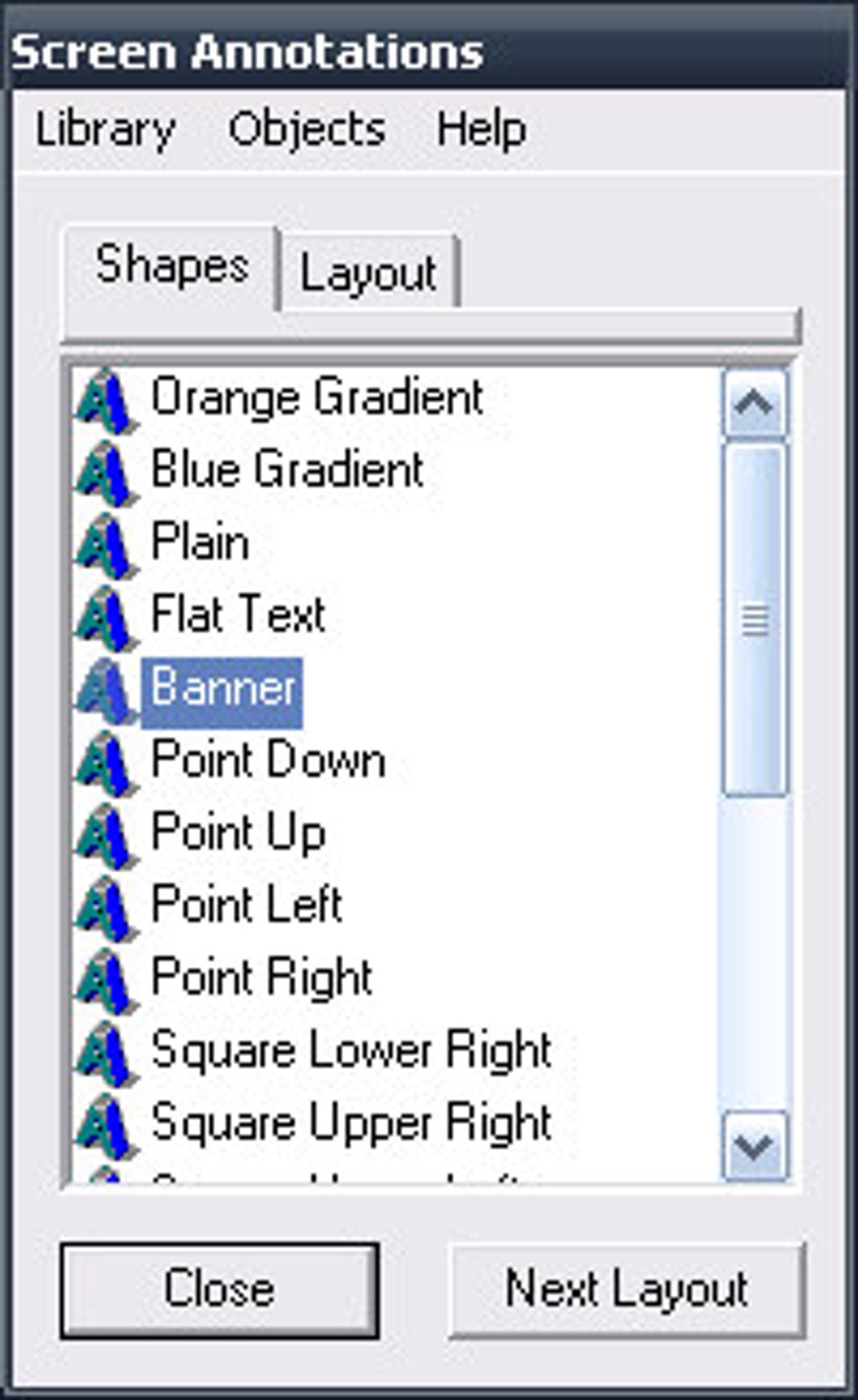
For users who want to enhance their recordings, CamStudio Portable offers a suite of on-screen annotation tools. You can draw freehand, highlight areas, add arrows, or insert text captions during or after recording. These annotations are invaluable when demonstrating software interfaces, pointing out errors, or guiding viewers through complex workflows. Subtitle support lets you add synchronized text to your videos, improving accessibility and engagement—ideal for multilingual audiences or viewers with hearing impairments.
The software also supports customizable recording settings, including frame rate, resolution, and compression options. This level of control ensures that your recordings are optimized for size and quality based on your needs. Whether you're creating short clips for social media or longer tutorials for YouTube, CamStudio Portable adapts to your workflow. With no hidden ads, no trial limitations, and no forced updates, it remains a clean, focused tool that respects your time and privacy.
- Screen and audio recording in real-time
- Support for AVI and SWF output formats
- SWF Producer for web-friendly video exports
- On-screen annotation tools (draw, highlight, arrow, text)
- Subtitle and caption integration
- Customizable recording settings (resolution, frame rate, compression)
- Portable – runs from USB or folder
- Open-source and free to use
How to Install and Use CamStudio Portable on Windows and Mac
One of the biggest advantages of CamStudio Portable is its portability. Unlike traditional software that requires installation and leaves traces on your system, CamStudio Portable runs directly from a USB drive, external hard drive, or any local folder. This makes it perfect for users who frequently switch between computers or want to keep their tools secure and private. To get started, simply download the latest version from the official website, extract the files to your preferred location, and launch the executable file.
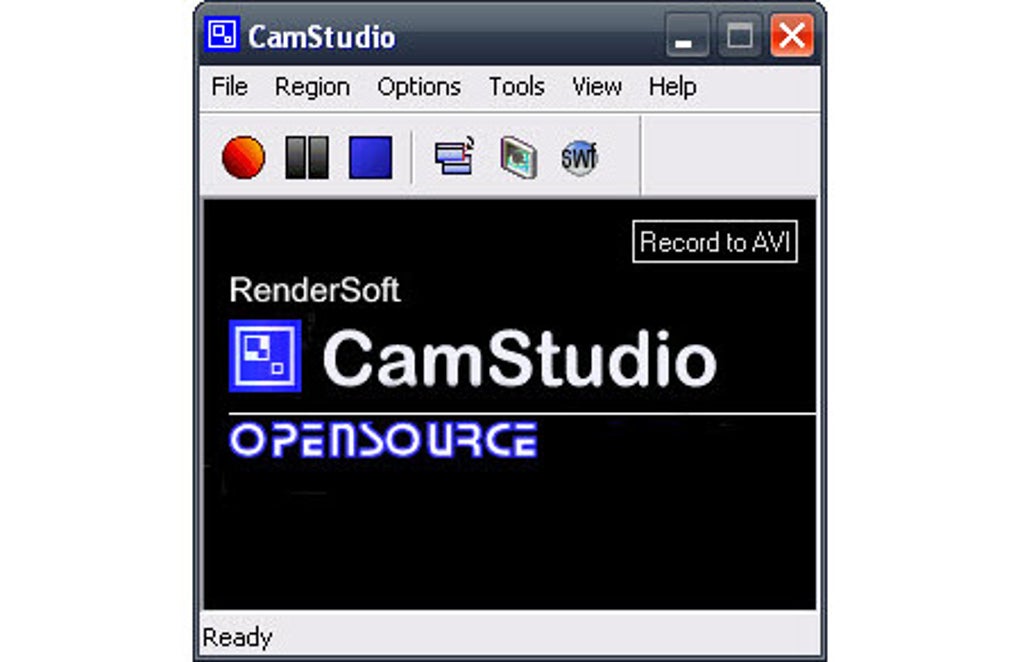
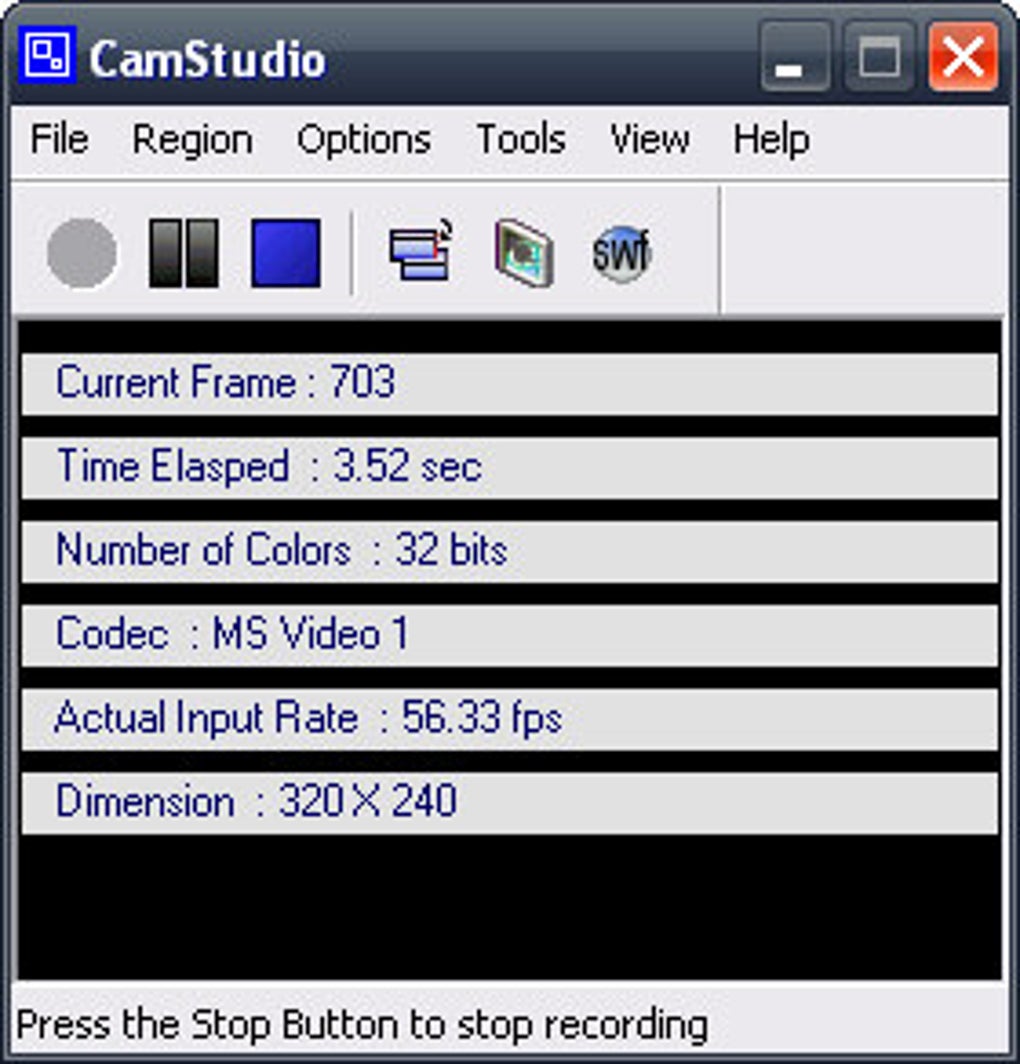
Once launched, the interface is clean and user-friendly. You’ll see options to select the recording area—full screen, specific window, or custom region. Choose your audio input source (microphone, speakers, or both), adjust the frame rate and quality settings, and click the red record button to begin. The recording process is smooth and stable, with minimal lag even on older machines. When you’re done, simply click stop, and the software will save your video in the chosen format (AVI or SWF).
After recording, you can use the built-in SWF Producer to convert your AVI file into a web-ready Flash file. This is especially useful if you’re publishing content on websites or online courses. For those who want to edit their videos further, the AVI format is compatible with most video editing software, including Adobe Premiere, DaVinci Resolve, and Shotcut. If you’re using Mac, note that while CamStudio Portable is primarily designed for Windows, it can still run via compatibility layers like Wine or virtual machines, though performance may vary.
For users who need help, the official website hosts a comprehensive knowledge base with tutorials, troubleshooting guides, and FAQs. The documentation is well-organized and easy to follow, making it simple to resolve common issues like audio sync problems or file size concerns. With no need for registration, updates, or background processes, CamStudio Portable offers a frictionless experience from start to finish.
Compatibility, Pros, and Cons at a Glance
CamStudio Portable is primarily designed for Windows operating systems, including Windows 7, 8, 10, and 11. While it lacks native support for Mac, iOS, or Android, its portable nature allows it to run on macOS through compatibility tools like Wine or virtualization software. However, users should expect potential performance limitations or bugs when running on non-Windows platforms.
Here’s a breakdown of what makes CamStudio Portable a strong choice—and where it falls short:
Pros
- Free and open-source—no hidden costs or subscriptions
- Portable – no installation needed—ideal for shared or public computers
- Supports both AVI and SWF formats—great for video and web publishing
- Simple, intuitive interface—easy for beginners to use
- On-screen annotations and subtitles—enhance clarity and engagement
- Lightweight and fast—low CPU and memory usage
- No ads, no spyware, no forced updates—secure and clean
Cons
- Limited Mac support—not natively available for macOS
- No modern video formats—lacks support for MP4 or WebM
- Outdated interface—UI hasn’t been updated in years
- No built-in video editing—requires external software for trimming or effects
- SWF format is outdated—not supported on modern browsers
Frequently Asked Questions (FAQ)
- Is CamStudio Portable really free to use?
- Yes, CamStudio Portable is completely free and open-source. There are no hidden fees, trial periods, or subscription models. You can download, use, and distribute it without any restrictions.
- Can I use CamStudio Portable on Mac or iOS?
- CamStudio Portable is designed for Windows. While it can run on Mac using compatibility layers like Wine or virtual machines, native support is not available. For iOS and Android, there are no official versions, but alternative screen recording apps are available.
- What formats does CamStudio Portable support?
- The software supports AVI and SWF formats. AVI is widely compatible with video players and editors, while SWF is ideal for web embedding. However, note that SWF is outdated and not supported by modern browsers.
- Does CamStudio Portable record audio?
- Yes, CamStudio Portable can record system audio (speakers) and microphone input simultaneously. This makes it perfect for creating narrated tutorials or gameplay videos with voice commentary.
- Can I edit my recordings directly in CamStudio Portable?
- No, CamStudio Portable does not include built-in video editing tools. However, it exports files in AVI format, which can be imported into popular video editors like DaVinci Resolve, Shotcut, or Adobe Premiere for trimming, effects, and enhancements.
Final Verdict: Is CamStudio Portable Worth Your Time?
CamStudio Portable remains a solid choice for anyone in need of a reliable, no-frills screen recording tool. Its lightweight design, portability, and support for both AVI and SWF formats make it a versatile option for educators, content creators, and professionals. While it lacks modern features like MP4 export or native Mac support, its core functionality is rock-solid and free from bloat.
If you’re looking for a secure, ad-free, and easy-to-use screen recorder that doesn’t require installation, CamStudio Portable delivers exactly what it promises. Whether you’re creating training videos, documenting software bugs, or sharing gaming moments, this tool gets the job done efficiently.
Download CamStudio Portable today and experience hassle-free screen recording—no cost, no hassle, just results.
Guides & Tutorials
How to install CamStudio Portable
- Click the Download button above.
- Once redirected, accept the terms and click Install.
- Wait for the CamStudio Portable download to finish on your device.
How to use CamStudio Portable
This software is primarily used for its core features described above. Open the app after installation to explore its capabilities.
User Reviews
No reviews yet. Be the first to share your experience.
You may also like
more
Llama 2
Free-to-use large language model As the new addition to Meta’s arsenal of langua...

NotebookLM
Revolutionizing the note-taking and idea-generation process NotebookLM is an exp...

Github co pilot
AI-inspired software development and coding platform GitHub Copilot is a browser...

Google Gemma
Google’s lightweight AI models Introducing Google Gemma , a family of cutting-ed...

AI Image Enlarger
A free app for Windows, by ai-image-larger. AI Image Enlarger is a free software...

DALL E
AI-driven text-to-image transformation engine DALL·E is a free graphic and desig...